


The Calendar area controls what appears in the calendar, how new appointments are preset and how workplace booking works. You’ll find a specific field fastest via the Configuration search (filter “Calendar”); this article is the map.
How to reach this area: Home page → System configuration → category Calendar.
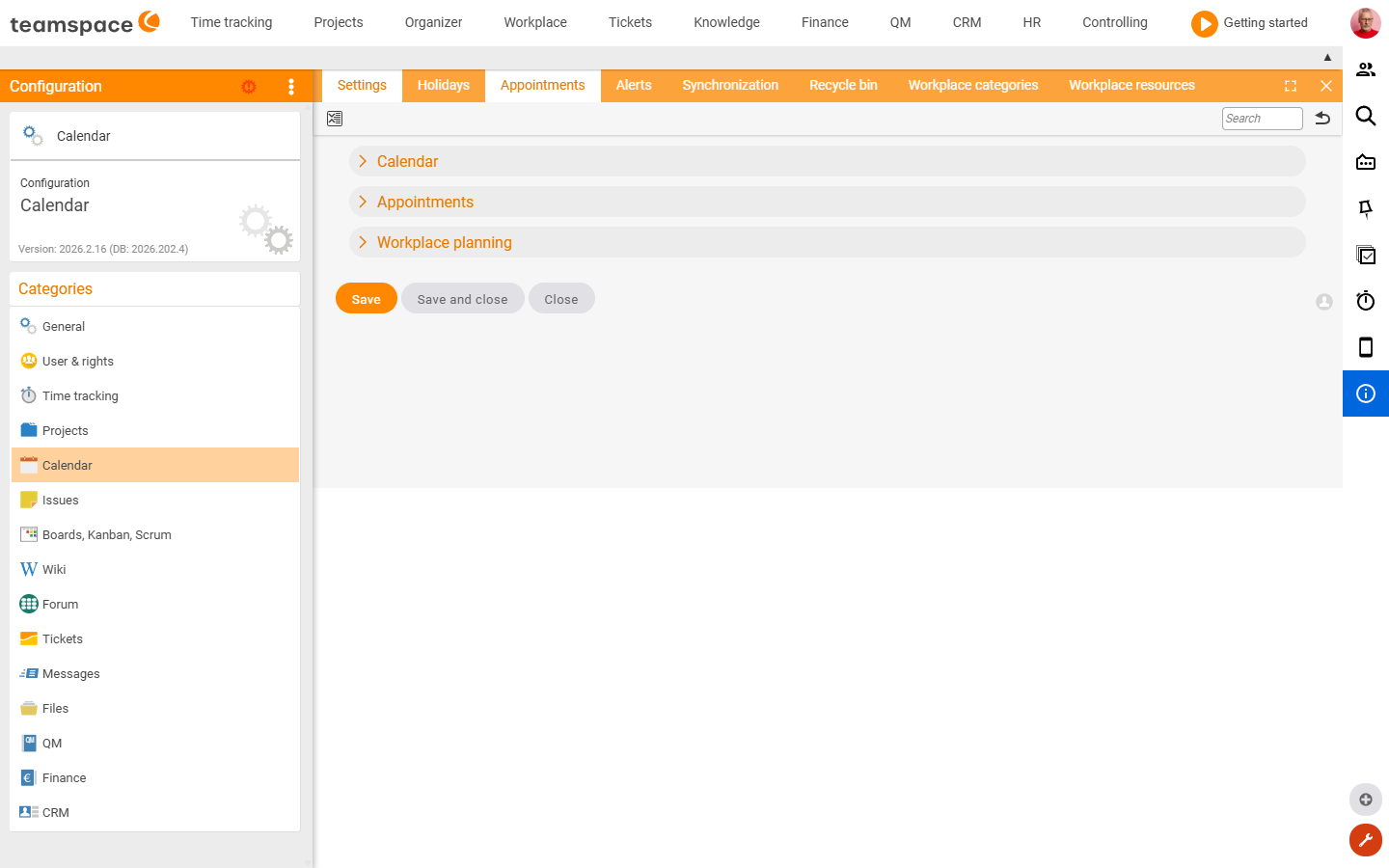
ℹ The category has 8 tiles: the settings tile (a field form) and seven admin tiles (lists) – Public holidays, Appointments, Alarms, Synchronisation, Recycle bin, Workplace categories, Workplace resources.
The “Settings” tile
| Section | Fields |
|---|---|
| Calendar | Show additional elements (leave, sickness, birthday, capacities …); continuous activities in resource scheduling; email appointment invitations; summarise absences. |
| Appointments | Status of new participants (Pending/Accepted); colour marker; access (Unrestricted/Restricted/Private); description templates for project, ticket and sales appointments. |
| Workplace booking | Period for the recurring booking; default workplace category; equipment for desk/parking space. |
| Field visibility | Visibility of the “Group” field on the appointment. |
The “Public holidays” tile
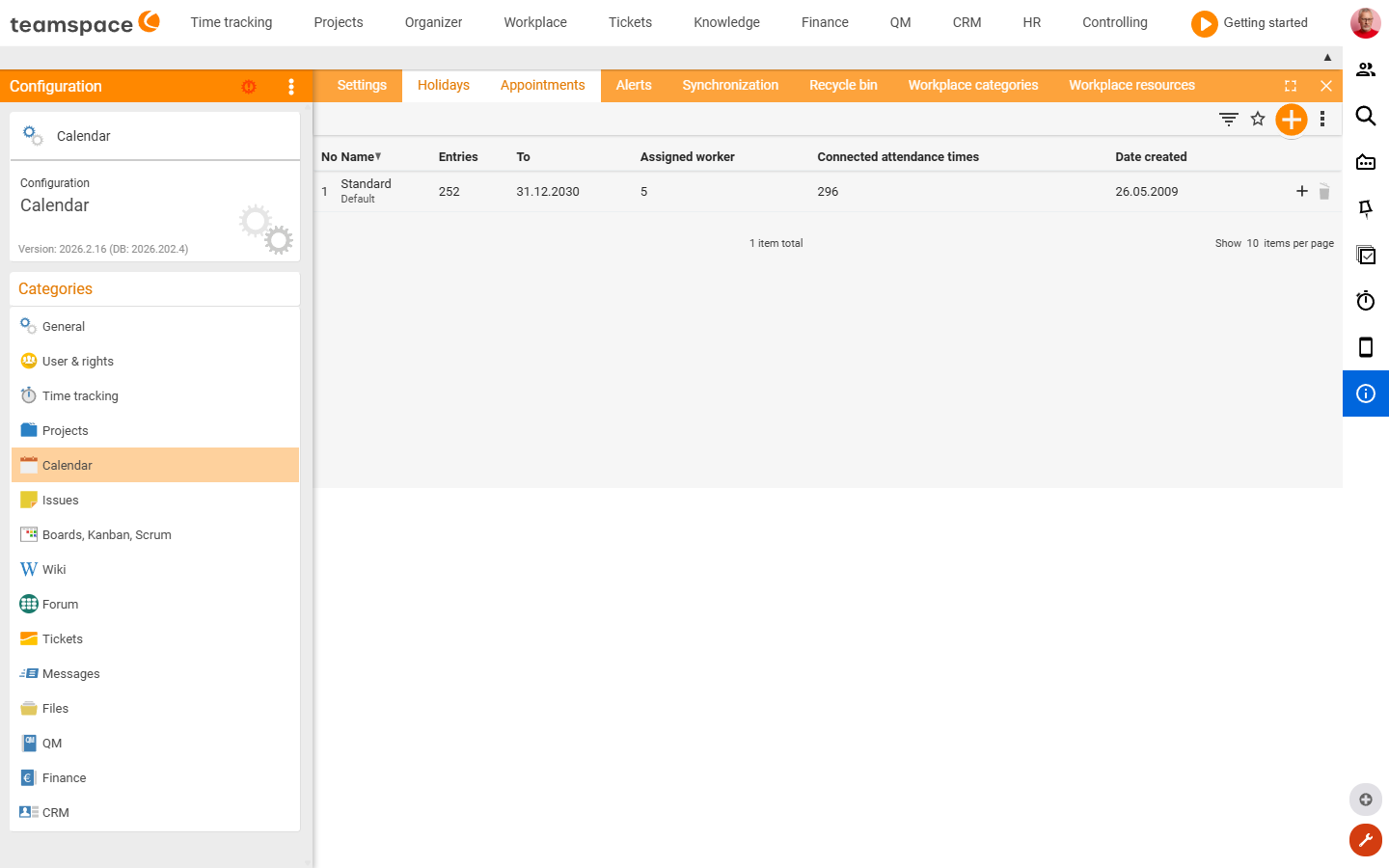
List of the public holiday calendars (columns Name, Entries, Until, Assigned employees, Linked attendance times, Created on). The creation dialog New calendar asks only for the mandatory Name field – the individual public holidays, their validity and the assigned employees are then maintained in the calendar itself. Per row: add entry, delete.
The “Appointments” tile
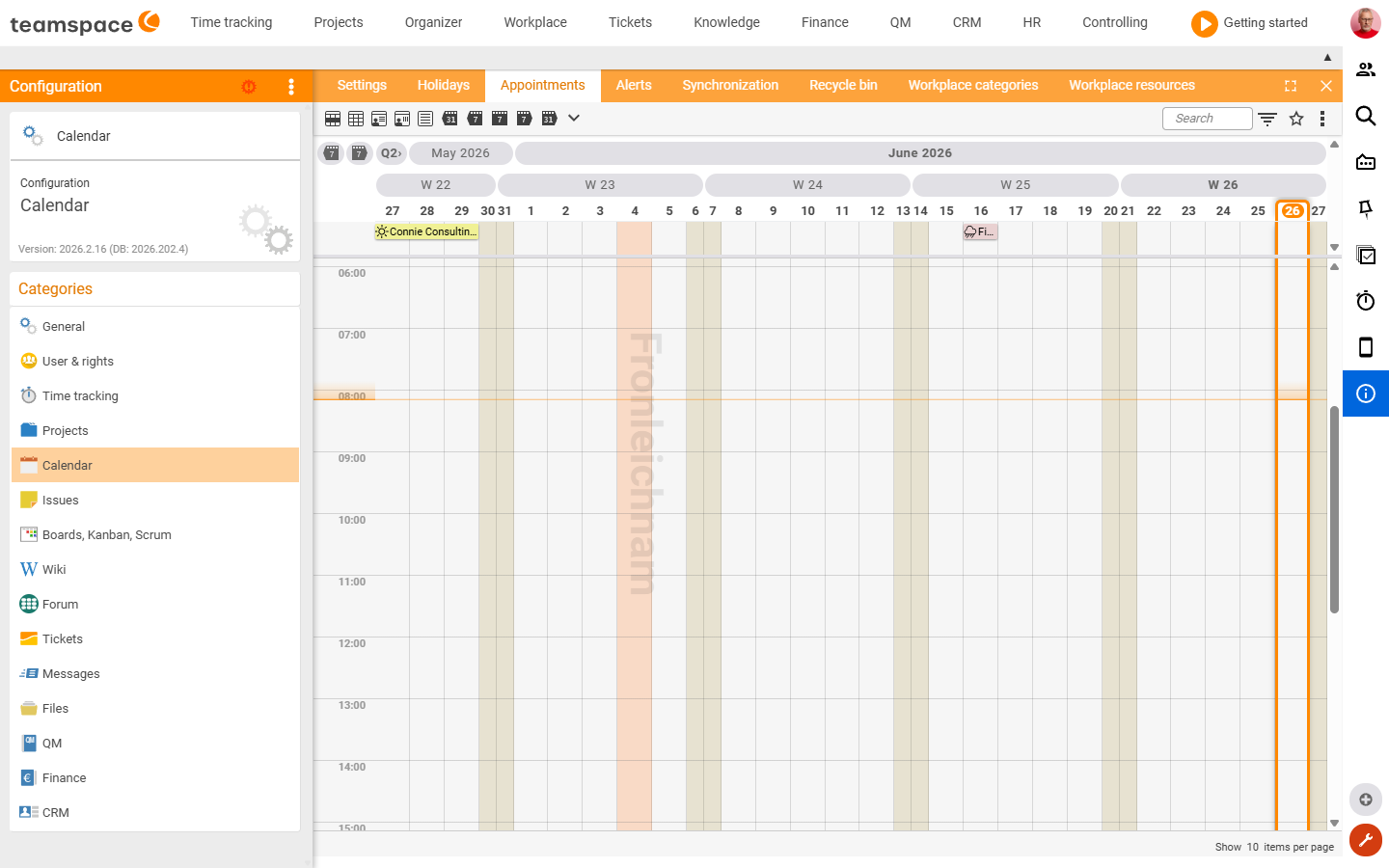
An administrative calendar list of all appointments in the week/month grid – the overall view of the appointments created in the tenant. It is an admin view, not a setting; the fields of an appointment match the normal appointment creation (see Topic: Calendar).
The “Alarms” tile
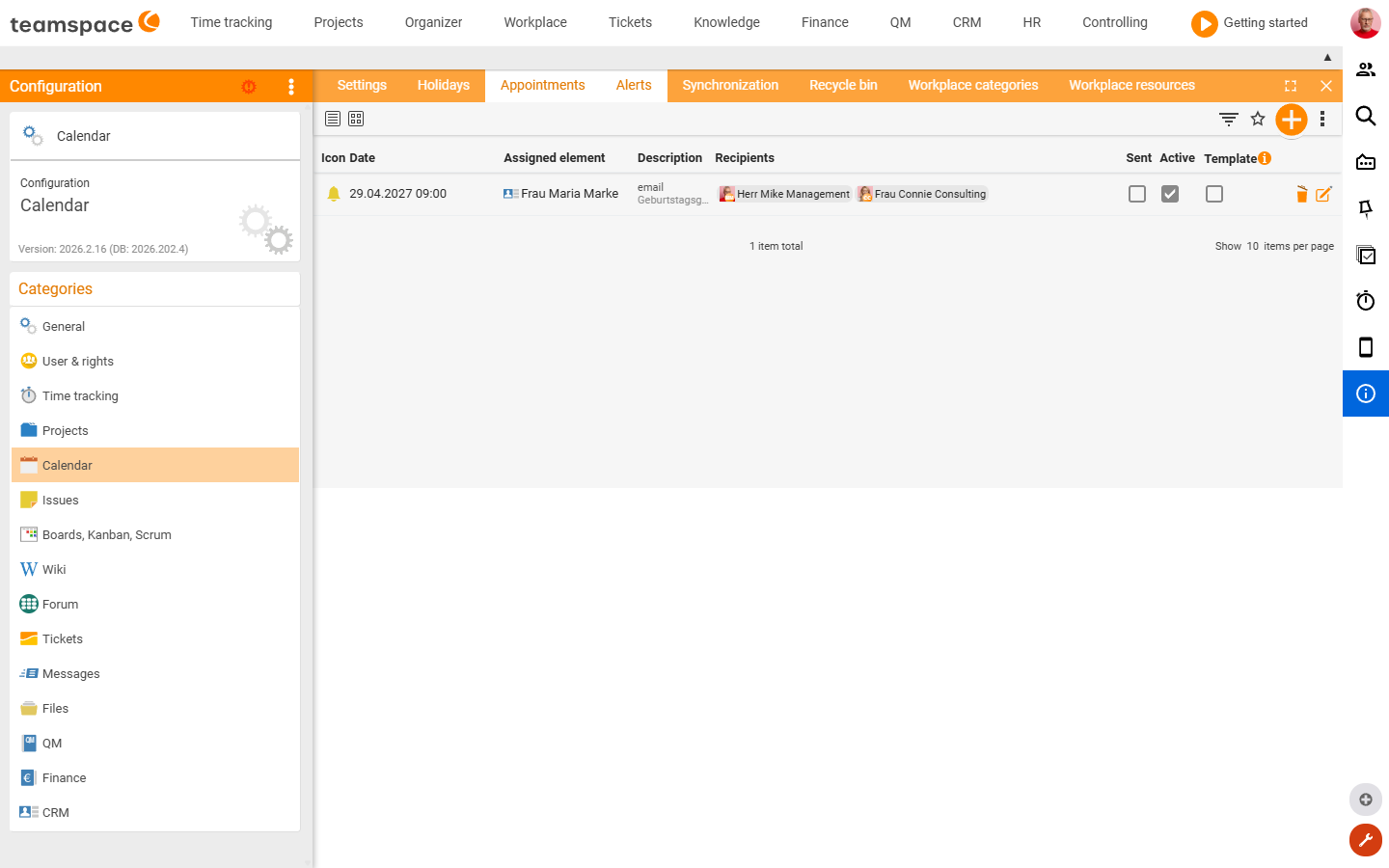
List of the system reminders/alarms (columns Date, Affected element, Description, Recipient, Sent, Active, Template). A monitoring view of the triggered or pending alarms; individual entries can be deactivated by the system.
The “Synchronisation” tile
List of the synchronisation profiles through which the calendar and address book are pushed to end devices. The creation dialog has the fields:
| Field | Type | Meaning |
|---|---|---|
| Profile template | Text field | Template/profile name. |
| Name | Text field | Display name (alias) on the end device. |
| Colour | Colour picker | Display colour of the synchronised entries. |
| Description | Text field | Free text. |
| Recommended devices | Text field | Which devices the profile is intended for. |
| Valid IPs | Text field | Restricts synchronisation to IP ranges. |
| Employee | Selection | The employee the profile applies to. |
| teamSync / CalDAV / iCalendar (ICS) | Switch | Activate the respective sync protocols. |
The “Recycle bin” tile
Deleted calendar elements (columns Deleted, Description) – from here, elements can be restored or removed permanently.
The “Workplace categories” tile
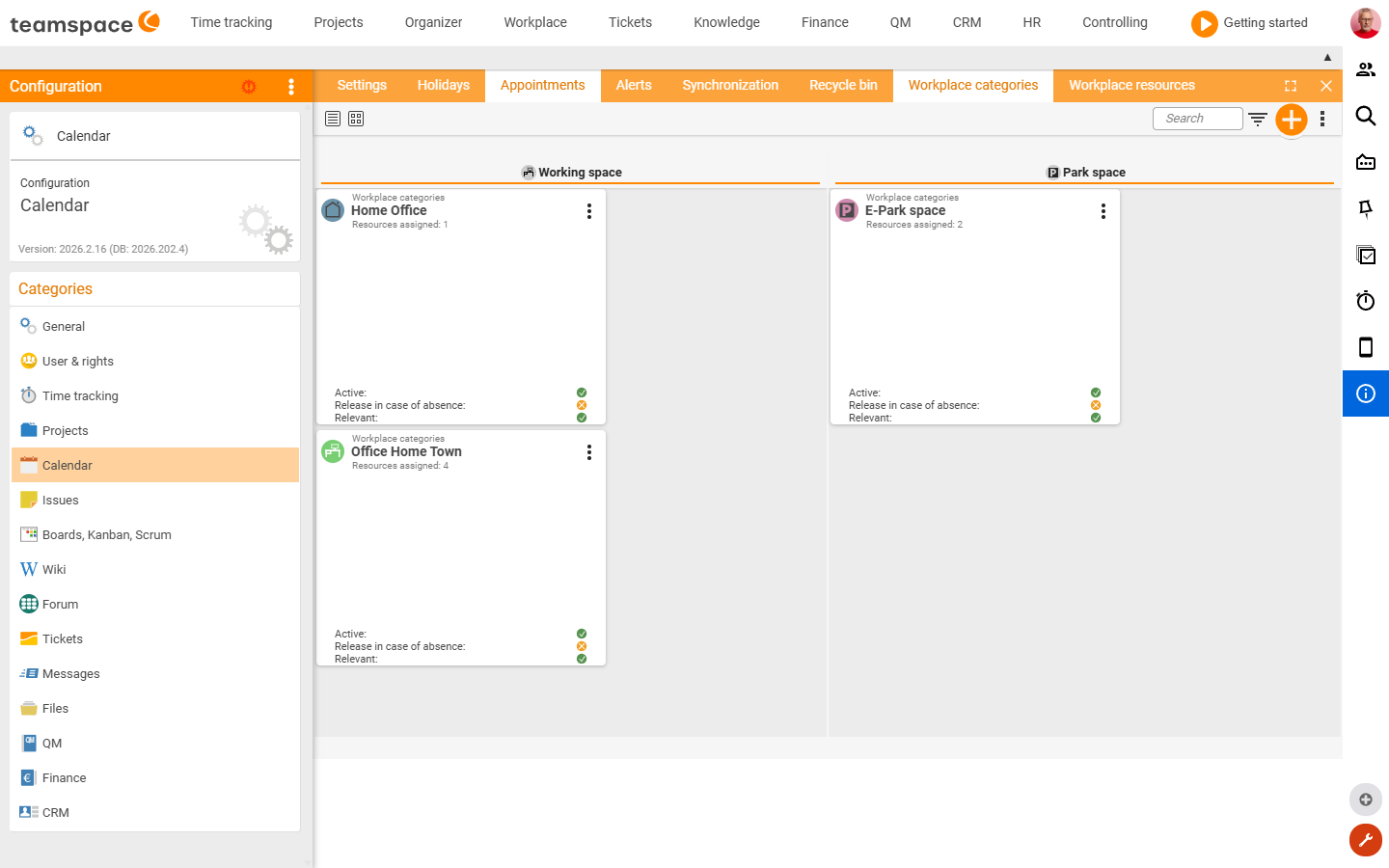
List of the desk and parking categories (the basis of resource planning). The creation dialog has the fields:
| Field | Type | Options / Meaning |
|---|---|---|
| Type | Selection | Desk · Parking space. |
| Active | Switch | Activates the category. |
| Name | Text field | Label. |
| Icon | Selection | Symbol (desk, projector, screen, meeting room …). |
| Colour | Colour picker | Colour coding. |
| Description | Text area | Free text. |
| Image | Text field | Stored image (file). |
| Release when absent | Switch | Automatically releases resources when absent. |
| Relevant | Switch | Marks the category as relevant for planning. |
The “Workplace resources” tile
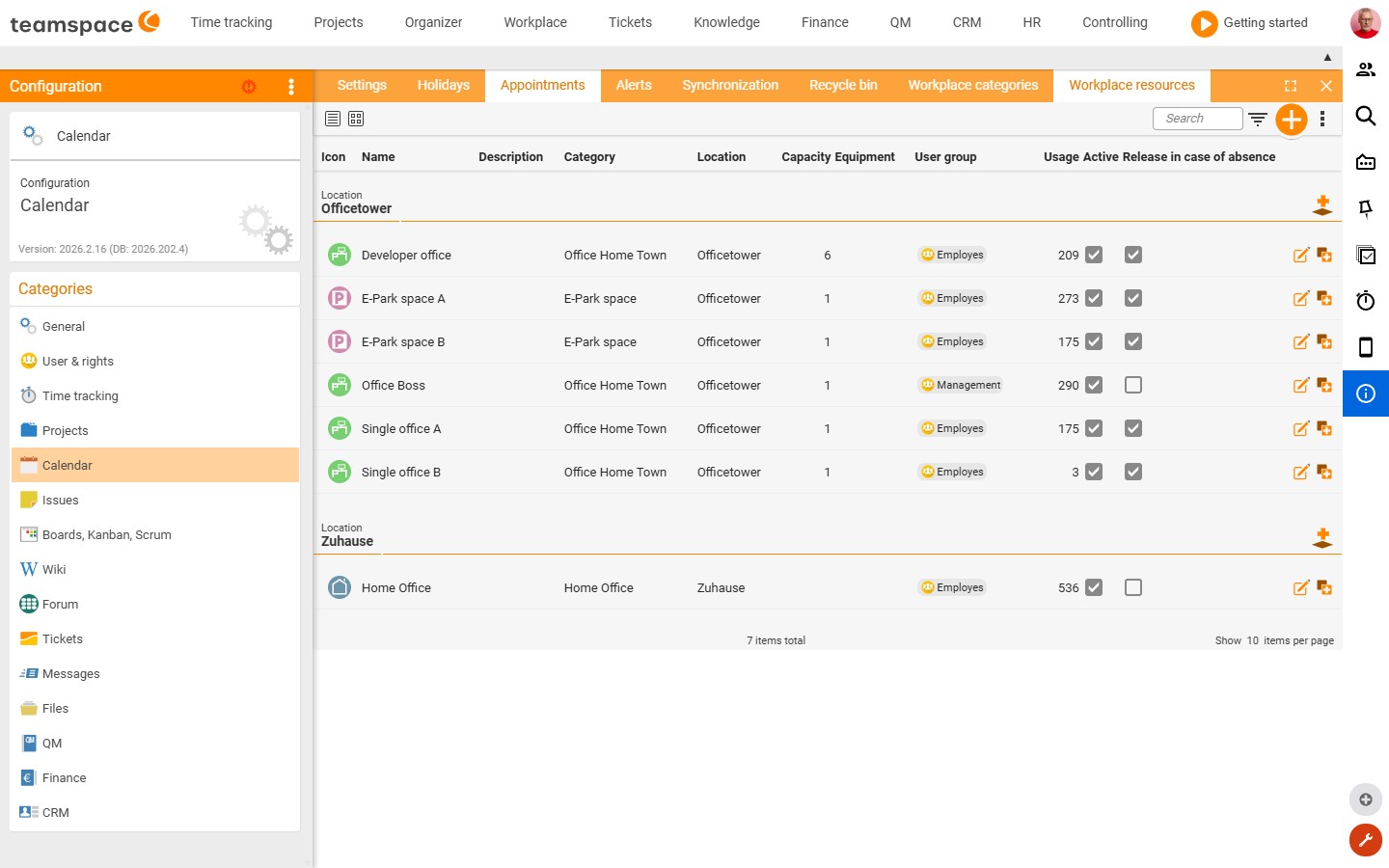
List of the bookable resources (columns Name, Category, Location, Capacity, Equipment, User group, Usage, Active, Release when absent). The creation dialog has the fields:
| Field | Type | Options / Meaning |
|---|---|---|
| Workplace category | Selection | The associated category. |
| Active | Switch | Activates the resource. |
| Name | Text field | Label. |
| Image | Text field | Stored image (file). |
| Location | Selection | Site (e.g. office tower, home). |
| Description | Text area | Free text. |
| Availability | Selection | Full day · First half of the day · Second half of the day (keyword selection). |
| Capacity | Text field | Number of people/units. |
| Equipment | Selection | Feature keywords (extendable via +). |
| User group | Selection | Who may book the resource. |
| Release when absent | Switch | Automatic release when absent. |
| Time zone | Selection | Time zone of the resource (e.g. Europe/Berlin). |
Related topics
- Configuration search (finder across all areas) Configuration search
- Topic: Calendar Calendar
- Topic: Workplace Workplace