


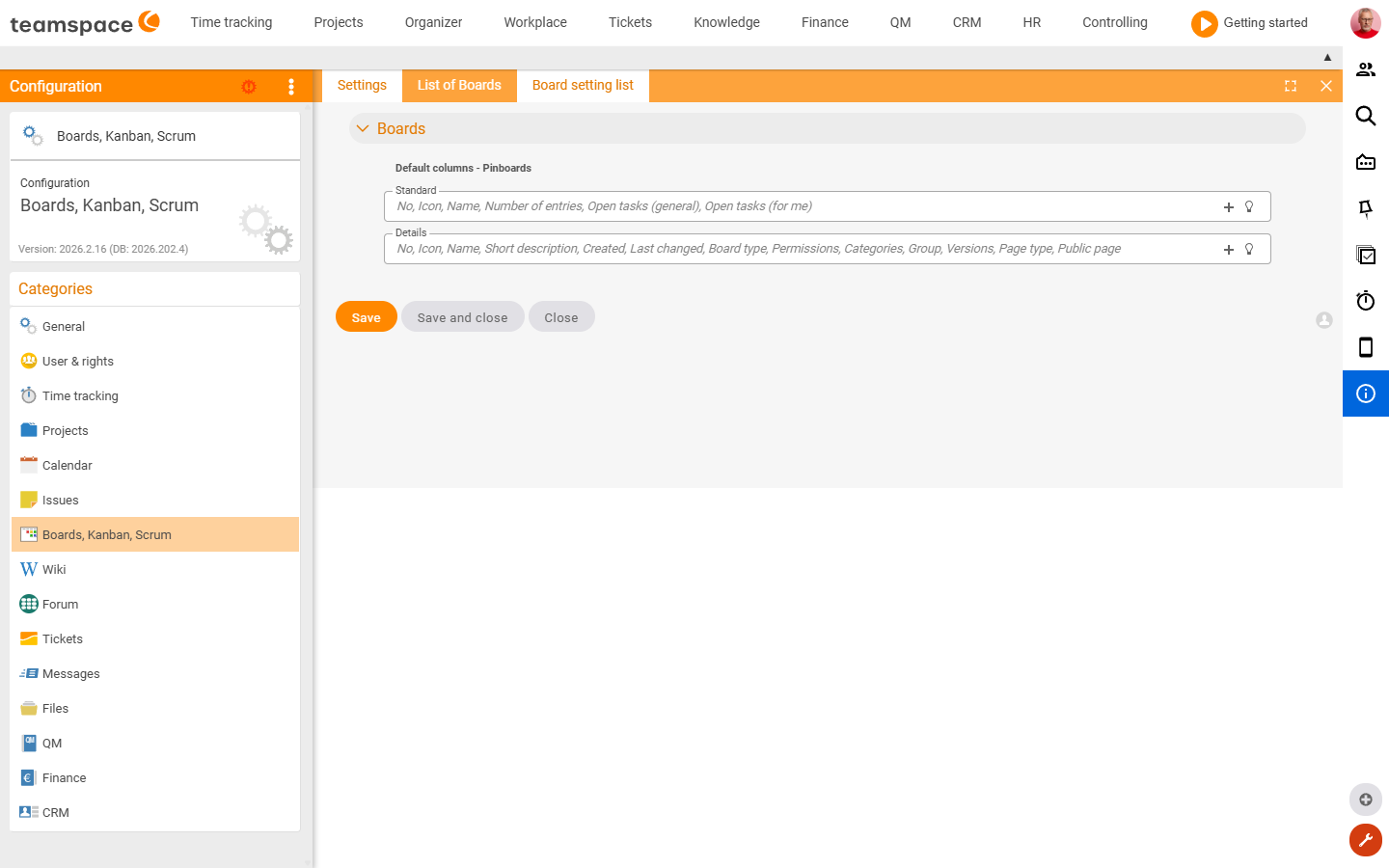
The Boards, Kanban, Scrum area is lean: it manages the boards themselves and their default templates. There are hardly any global settings fields – the configuration sits in the board templates. How to work with boards is covered in the Boards topic.
How to reach this area: Home page → System configuration → category Boards, Kanban, Scrum.
The three tiles
| Tile | Type | Content |
|---|---|---|
| Settings | Form | Only the preset columns of the board lists (standard and detail view). |
| List of boards | List | All boards created in the tenant. |
| Default settings | List | Board templates per object type (project, customer, ticket, document …) – these define the columns/structure of new boards. |
Related topics
- Configuration search (finder across all areas) Configuration search
- Topic: Boards Boards