


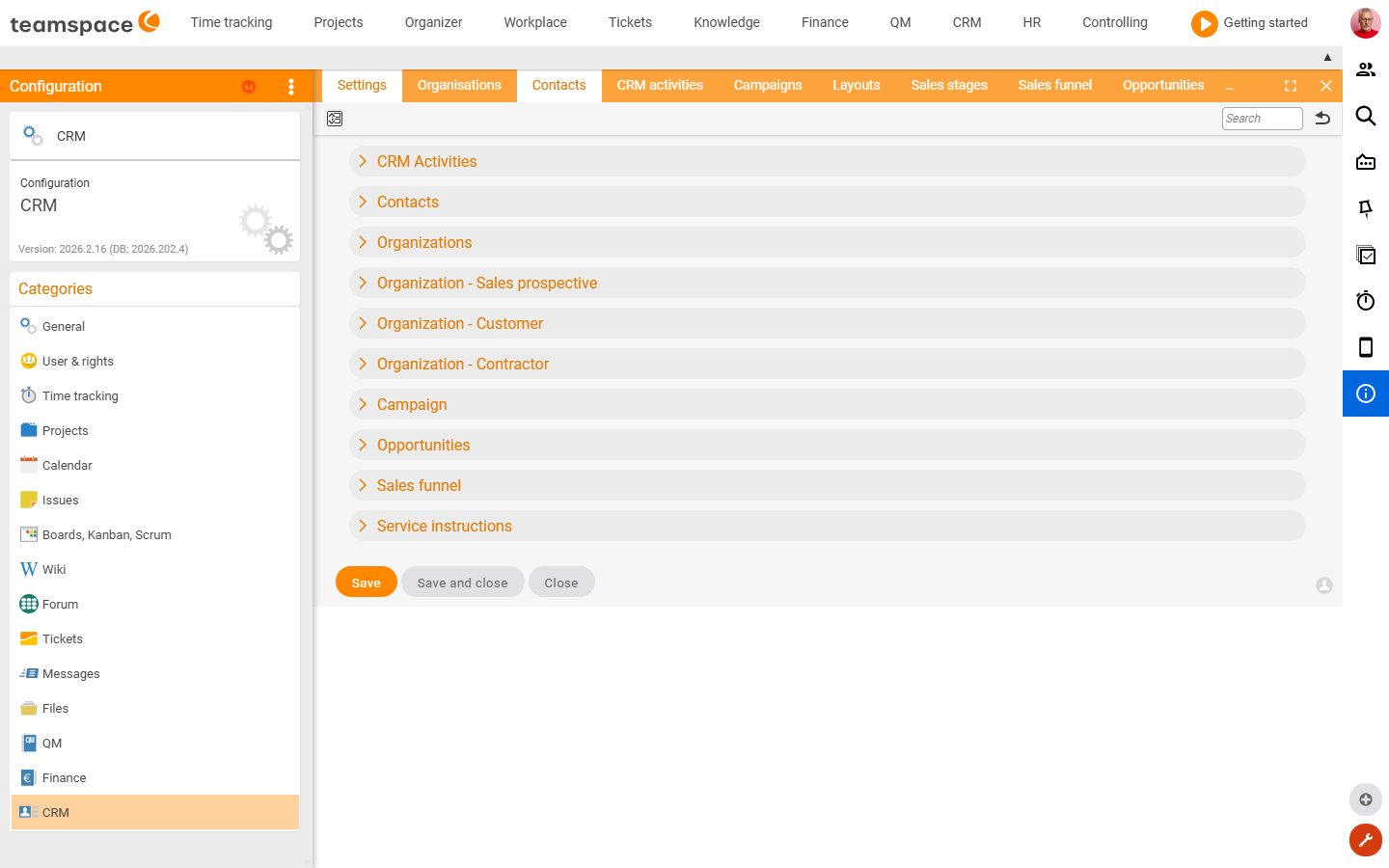
The CRM area controls contact and organisation fields, customer/supplier aspects, campaigns and the visibility of all CRM fields. You’ll find a specific field fastest via the Configuration search (filter “CRM”). How to use it is covered in the CRM topic.
How to reach this area: Home page → System configuration → category CRM.
ℹ The category has 13 tiles. Fully documented here is the central settings tile (274 fields, mostly field visibilities); the rest are admin lists (see below).
The “Settings” tile
| Section | What it covers |
|---|---|
| CRM activities / General | Basic CRM rules, address and contact defaults. |
| Contacts / Address | Fields and defaults for contacts and addresses. |
| Customer aspects / Supplier aspects | Rating and classification fields for customers and suppliers. |
| Sales aspects / Sales funnel | Sales-related fields. |
| Campaign / Service note / Default values | Campaign defaults, service notes. |
| Field visibility (the largest section) | Visibility of the many CRM fields. |
| Preset columns / Preview card | Default list columns and the preview. |
Further tiles (admin lists)
Master data: Organisations · Contacts · CRM activities · Campaigns · Layouts Sales: Sales stages · Sales funnels · Sales opportunities Other: External access · Deletion deadlines · Synchronisation · Recycle bin
Related topics
- Configuration search (finder across all areas) Configuration search
- Topic: CRM CRM
- Topic: Sales opportunities Sales opportunities