


The Files area controls the file fields and defines which directories files are stored in per object type. You’ll find a specific field fastest via the Configuration search (filter “Files”). How to use it is covered in the File management topic.
How to reach this area: Home page → System configuration → category Files.
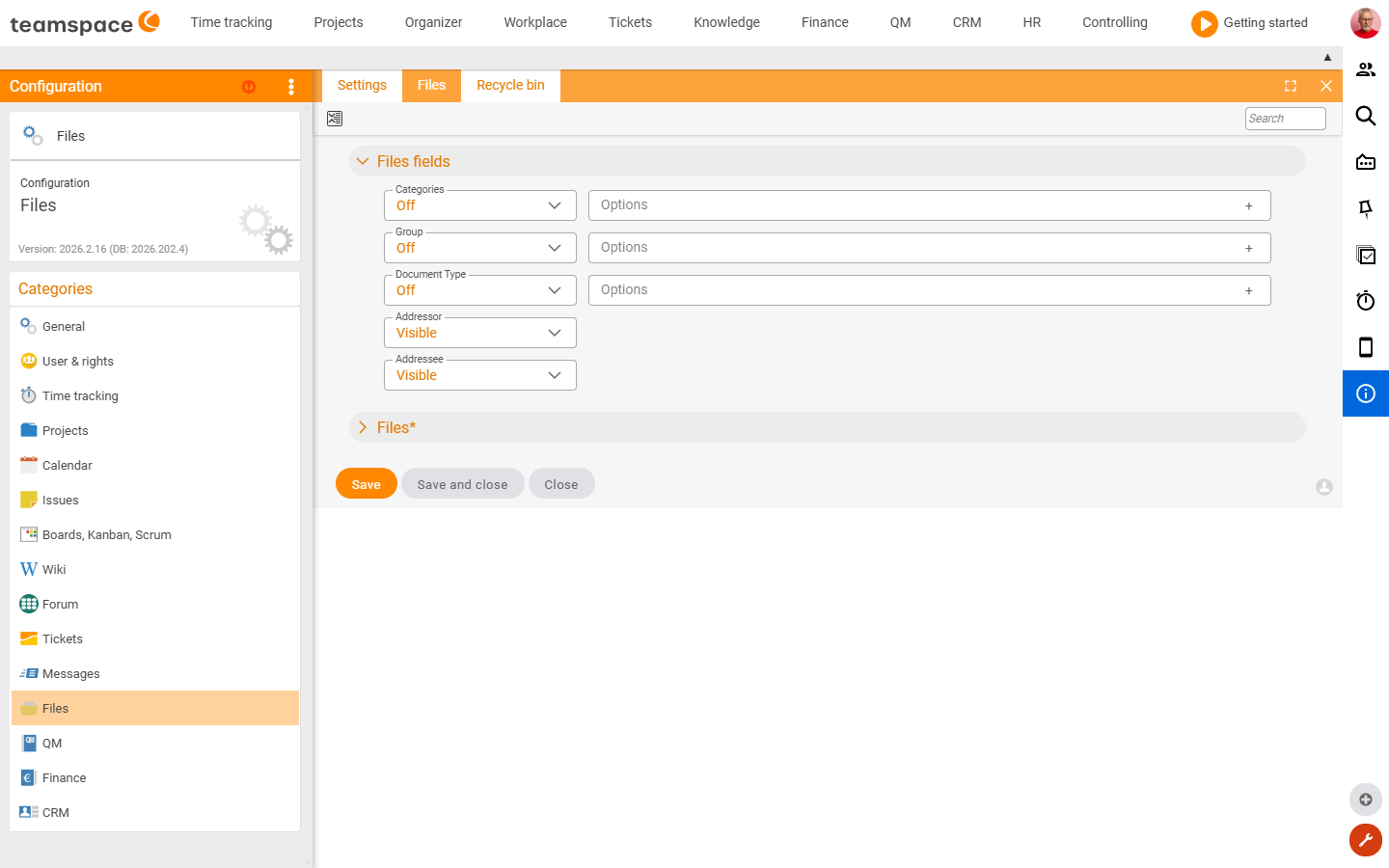
The “Settings” tile
| Section | What it covers |
|---|---|
| File fields | Visibility of the additional file fields (categories, group, document type, sender, recipient). |
| Files | Target directories per object type – where files from projects, CRM activities, HR, tickets, finance, wiki and so on are stored; plus default paths, the file-template directory and the default file class for sick notes. |
Further tiles
- Files – management of the files.
- Recycle bin – restore deleted files.
Related topics
- Configuration search (finder across all areas) Configuration search
- Topic: File management File management