



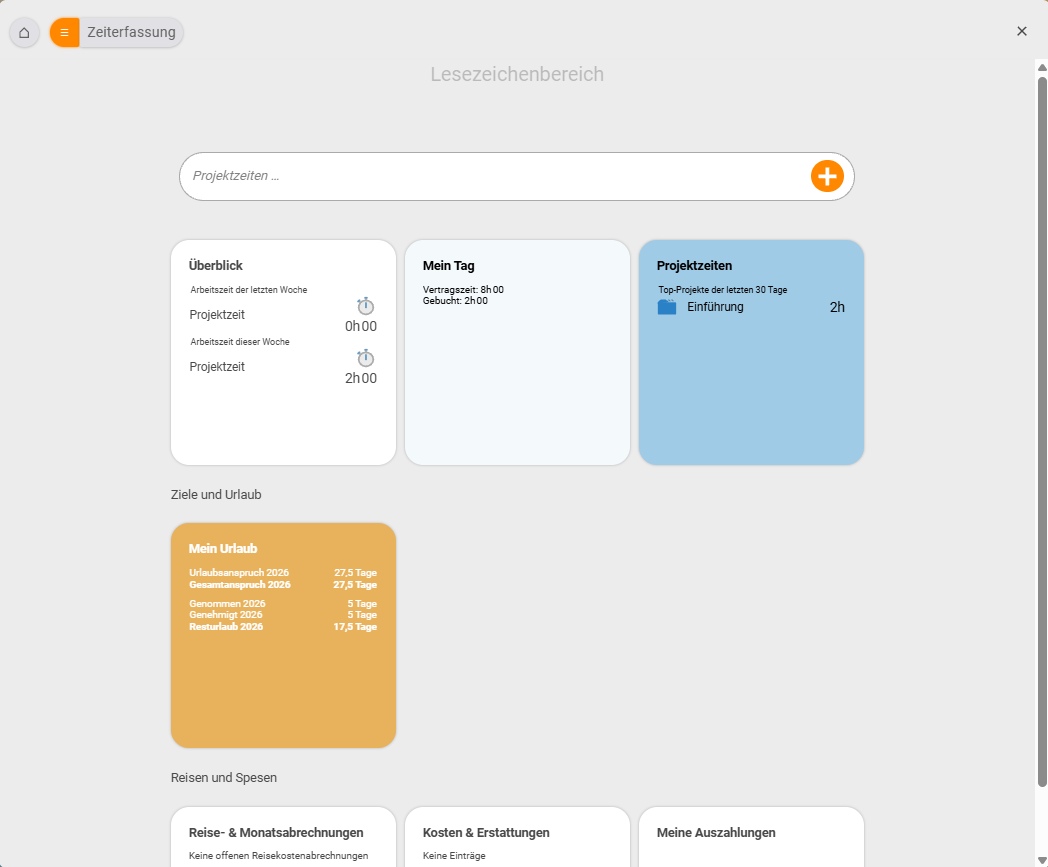
With time tracking you record two different things in teamspace: when someone worked and what they worked on. Both come together in a single module but can be used independently of each other. You reach time tracking in the Organizer via the Time tracking area, with the tabs Overview, My day, Project times and My leave.
Two kinds of time
teamspace draws a consistent distinction between two kinds of time – they answer different questions and never get in each other’s way:
- Attendance time – an employee’s pure availability time, independent of any project. It is typically recorded by check-in/check-out (like a digital time clock) and kept to the minute. It answers the question: When was someone present?
- Project time – the time booked against a specific project or task. It is the basis for client billing, post-calculation and utilisation. It answers the question: What was worked on?
Both kinds can be used in parallel – and for the full effect we recommend exactly that: the time matrix then warns you, for example, when the project time booked for a day differs noticeably from that day’s attendance time.
Why track time?
Three typical reasons to introduce time tracking:
- Billing clients – only recorded project time can be invoiced, whether as an activity report or via billing.
- Managing and paying staff – overtime accounts, supplements and preparatory payroll all build on clean attendance times.
- Legal requirements – the obligation to record working time (ECJ/Federal Labour Court) can be mapped in an audit-proof way using check-in/check-out and locking.
Finding your way around
- Recording attendance: Check in and check out and Understanding and editing attendance times.
- Booking project time: Book project times, the time matrix for whole weeks and, as a shortcut, booking time via a reference day.
- Evidence and billing: Activity report and timesheets.
- Accounts and law: Overtime and supplements as well as Record leave and sickness.
Where to start: Begin with check-in/check-out – it takes two minutes to grasp. Project times come into play as soon as you want to allocate effort to individual projects.
Related topics
- Check in and check out Time tracking How-to
- Book project times (with video) Time tracking How-to
- Legally compliant time tracking Time tracking Concept
- Online time tracking