


The Wiki area controls the appearance and additional fields of the wiki pages. You’ll find a specific field fastest via the Configuration search (filter “Wiki”). How to use it is covered in the Wiki topic.
How to reach this area: Home page → System configuration → category Wiki.
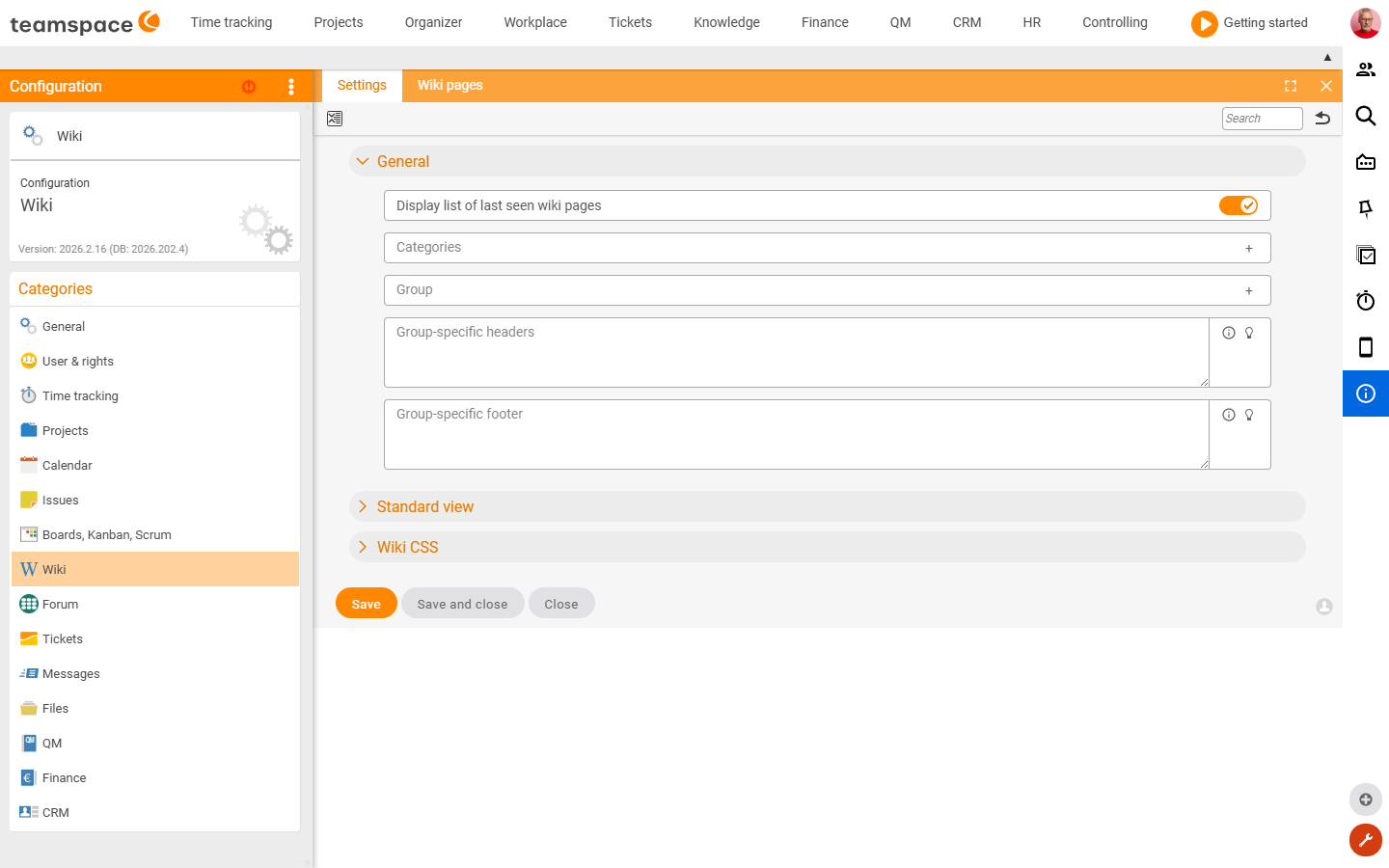
The “Settings” tile
| Field | Type | Meaning |
|---|---|---|
| Show list of recently viewed wiki pages | Switch | Shows the history list. |
| Categories | Text field | Selectable category values for wiki pages. |
| Group | Text field | Selectable group values for wiki pages. |
| Group-specific headers/footers | Text area | Header or footer per user group, above/below the pages. |
| Wiki CSS | Text area | Custom CSS for how the wiki pages are displayed. |
In addition, the Preset columns section defines the default list columns for wiki pages, pin boards and public pages.
Further tiles
- Wiki pages – list/management of the wiki pages.
Related topics
- Configuration search (finder across all areas) Configuration search
- Topic: Wiki Wiki