


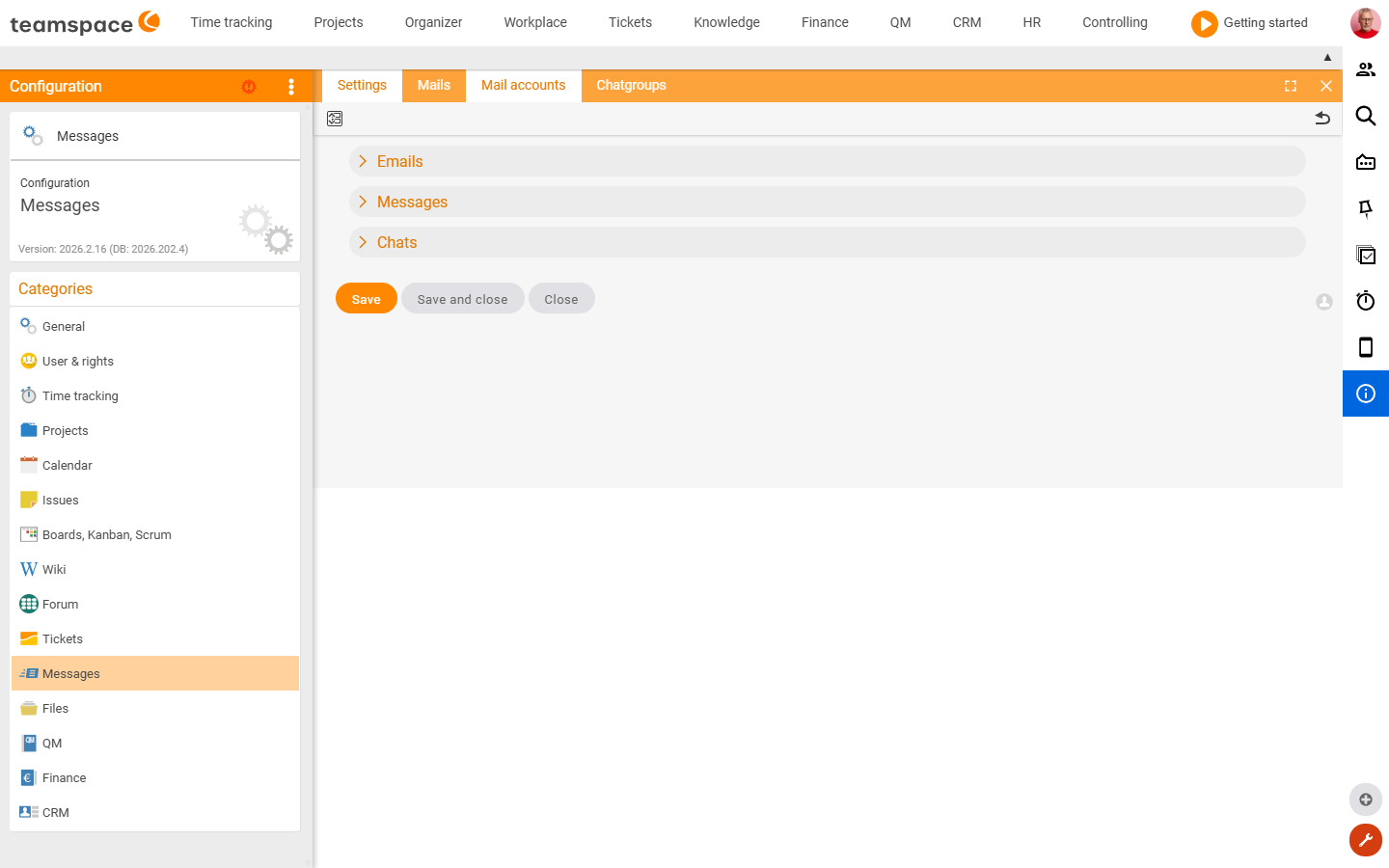
The Messages area controls internal messages, email appearance and chat. You’ll find a specific field fastest via the Configuration search (filter “Messages”).
How to reach this area: Home page → System configuration → category Messages.
The “Settings” tile
| Field | Type | Meaning |
|---|---|---|
| Email style attributes | Text field | CSS style (font/size) of outgoing emails. |
| System identifier | Text field | The system’s identifier in internal messages. |
| Categories | Text field | Selectable category values for messages. |
| Add existing values | Switch | Adds category values already in use. |
| pfChat | Switch | Activates the chat function (pfChat). |
Further tiles (admin lists)
- Mails · Mail Accounts – mail accounts and processing.
- Chat groups – management of the chat groups.
Related topics
- Configuration search (finder across all areas) Configuration search
- Connect mail accounts Configuration