


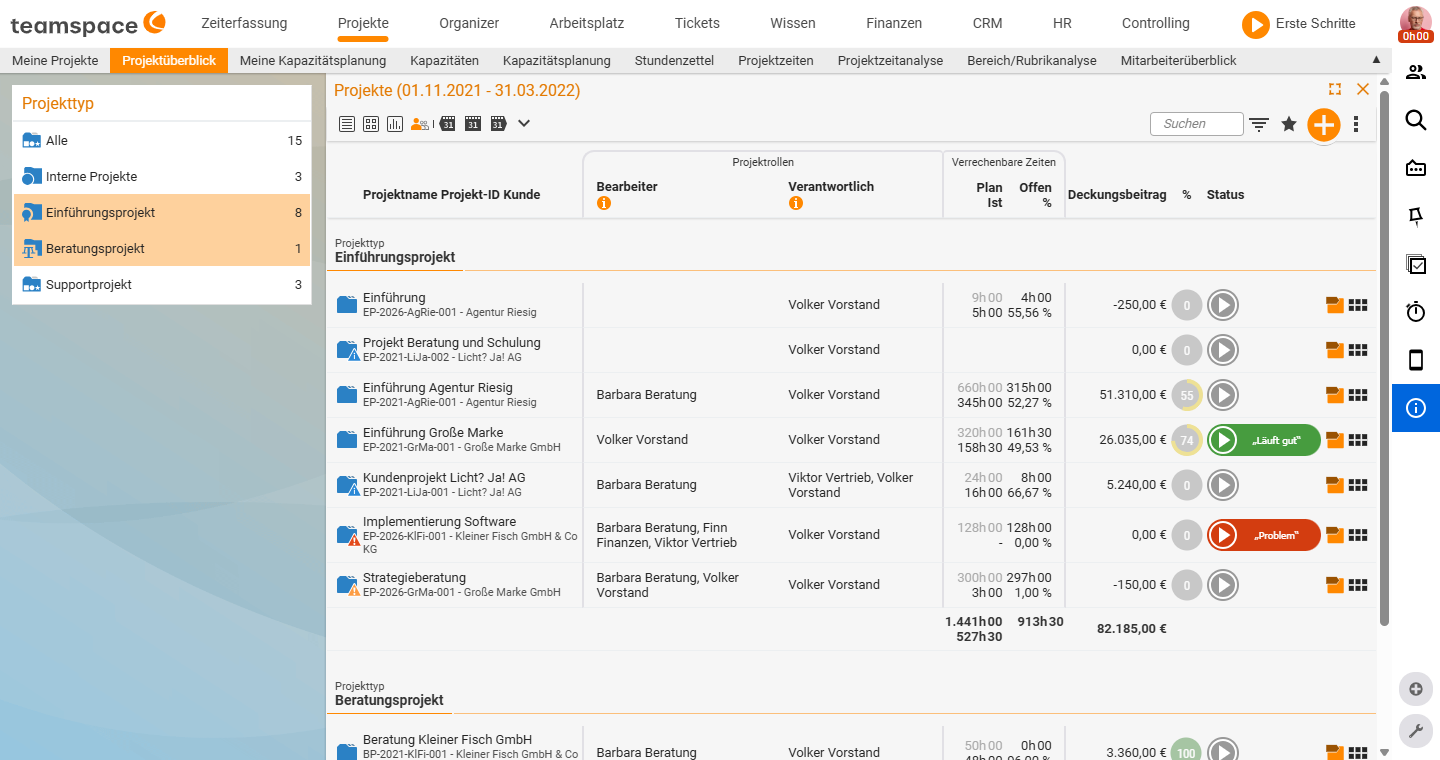
In project management you plan, steer and analyse projects centrally in one place: you break the work down into subprojects and work packages, plan time and budget, assign staff, record time directly on the project and bill the work at the end. Because everything in teamspace is connected, the data is always available in its chronological context – status, milestones, progress, costs, documents and bookings all sit in one place.
How much project management do you really need?
Over the years the module has gained a great deal of functionality – predecessors, earliest dates, phase budgets, milestones, alarms. In practice, though, around 90% of users deliberately use only a small part of it, and that is exactly as it should be. Before you dive into the depths, three guiding questions:
- “I want an overview of my open orders.”
- “I want to know who is working on what and when.”
- “I want my orders to be billed correctly.”
If those three points are enough for you, you don’t need complex project management but the lean order handling: projects are created from orders at the push of a button, stay manageable, and it is only about assigning staff and billing the project.
Recommendation for the start: Approach the solution through the simple things and ask yourself “How do we do this today?”. Anyone who has so far planned with Excel, entered time in lists and written invoices in Word should not start straight away with complex PM methods. Begin with order handling and bring all your staff along – success is quickly noticeable, and the appetite for more then comes all by itself.
For genuine large-scale projects with nested subprojects, milestones and intertwined budgets, teamspace is the right choice – but that also makes appropriate training worthwhile. For most people the full range of functions is a little overkill at the beginning.
The five building blocks of a project
Every project is made up of the same structure elements, which you combine freely:
- Main project – the top-level bracket; every project has exactly one.
- Subproject – for organising larger undertakings; can be nested to any depth.
- Phase – structures the project chronologically (e.g. preparation → realisation → acceptance) and can be colour-coded.
- Work package – the smallest unit, which cannot be broken down further; this is where the actual work is done and time is booked.
- Milestone – a target point that separates phases (e.g. “planning finished before implementation starts”).
Effort and progress are accumulated from the bottom up (bottom-up): if you enter values on the work packages, teamspace rolls them up automatically to the subproject and main project.
Finding your way around
- Create: Projects usually arise from an order, alternatively from a template, by copying or by hand – see Create, adjust and move projects.
- Plan: You set up structure, schedule and dependencies in the structure view – see Plan and structure projects.
- Assign: Who does what? You clarify that through project roles – see Assign people.
- Run: Status, progress and time in day-to-day operation – see Run projects.
- Organise & analyse: Project types, directories, archive and key figures – see Analyse projects.
Which tools exist at all and when to use which one is explained in the concept article The tools of project management. Completely new? Then start with the guided exercise.
Related topics
- The tools of project management Project management Concept
- Guided exercise: your first project from an order (with video) Project management Exercises
- Create, adjust and move projects (with video) Project management How-to
- Project management software