



Sometimes a price should fall with the quantity (one piece €10, two pieces €18 – a volume discount). Sometimes not every quantity should be selectable, but only certain quantities (1, 3 or 5 pieces, but not 2 – a quantity structure). You build both on the article in Pricing via three tier types.
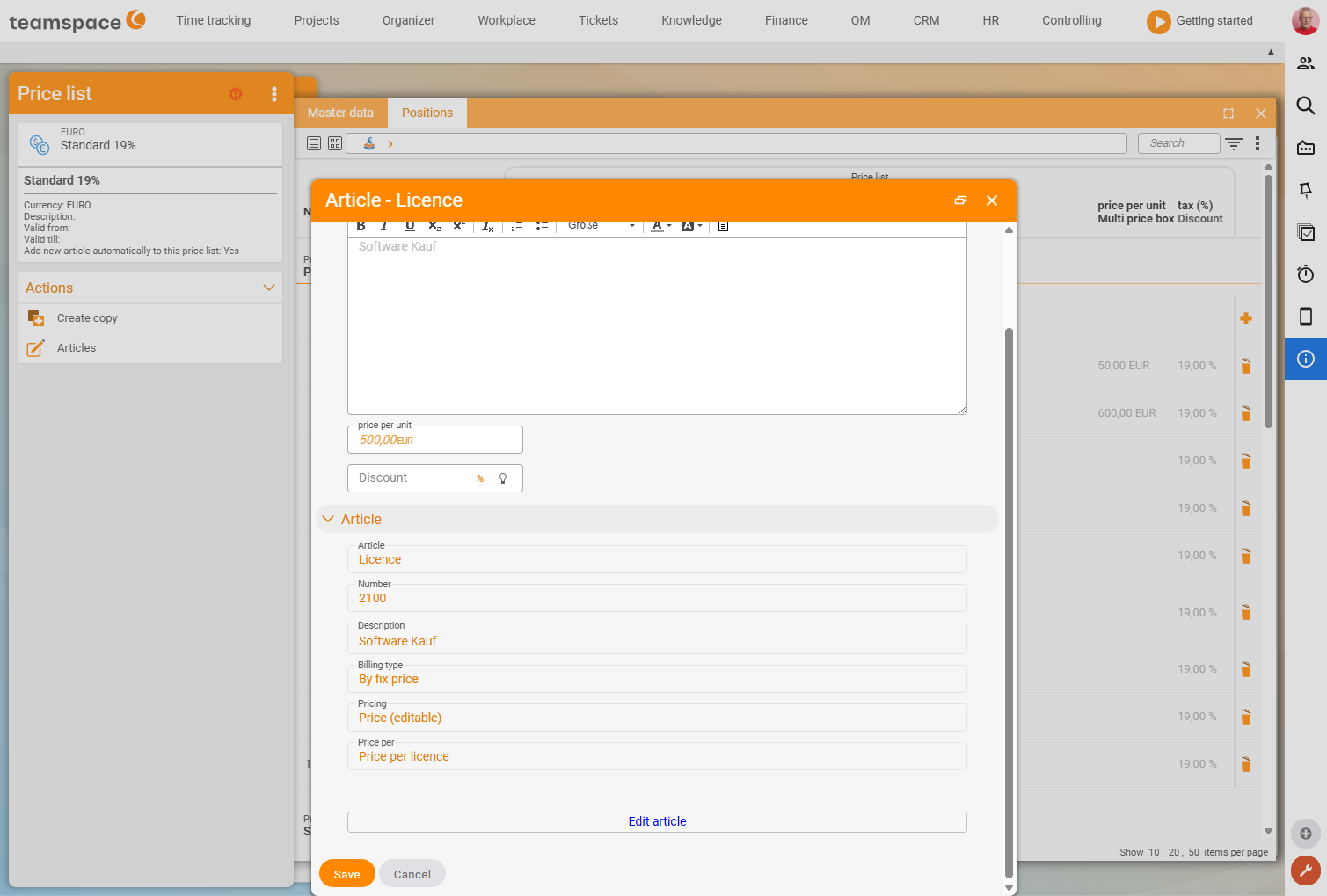
The three tier types
The Pricing field offers three tier options for this (verified live on 25 June 2026, alongside Unit price (editable) and Unit price (not editable)):
- Closed tiered prices (
Tiered prices (closed)) – a total price for each quantity. On the document you select from these quantities; free entry is not possible (= quantity structure). - Open tiered prices (
Tiered prices (open)) – a total price for each quantity. Between the points the system interpolates linearly. - Percentage tiered prices (
Tiered prices (% of base price), from version 2025.4) – percentages by which a base price is multiplied per quantity tier; the price falls cumulatively with each tier transition.
Open tiered prices
In Pricing you choose Tiered prices open and enter a quantity and total price per line (a semicolon or line break separates the tiers):
1 fruit basket → €10
2 fruit baskets → €18
3 fruit baskets → €24
4 fruit baskets → €29   (from here +€5 per additional one)
On the document, 1 fruit basket costs €10, 2 cost €18, … 5 cost €34. If the customer chooses a quantity in between, the system interpolates linearly: 100 pieces at €800, 200 pieces at €1,500 → 150 pieces at €1,150. From the last defined quantity, a per-piece price continues.
Closed tiered prices (quantity structure)
With Tiered prices closed you leave out certain quantities. If you enter only 1, 2, 3 and 5, a selection list appears in the Quantity field on the document – the customer can take 1, 2, 3 or 5, four is not possible.
Percentage tiered prices
Unlike the first two: you specify percentages that act cumulatively on a base price. Per tier you define an upper quantity limit and the percentage value for the units in that tier.
Example (base price €100): up to 100 pieces 100%, up to 200 pieces 90%, up to 300 pieces 80%, up to 400 pieces 70%. 400 pieces = 100×100 + 100×90 + 100×80 + 100×70 = €34,000. Advantage: for price or currency changes the base price is enough – the percentages stay stable.
Tier per price list & type change
The tier types sit on the article and apply to all documents that use it. Via the price list you adjust tiers per list (currency, language). If you change the tier type (closed ↔ open ↔ percentage), this only takes effect for new line items – existing document line items stay unchanged (their price was copied when they were created). This works the same way for time-duration items (e.g. cheaper from 60 licences).
Common questions & needs
| You want to … | How to |
|---|---|
| A volume discount with intermediate values | Tiered prices open – linear interpolation between the tiers. |
| Allow only certain quantities | Tiered prices closed – selection list on the document. |
| A discount that stays stable when the price changes | Percentage tiered prices – only change the base price. |
| A different tier per currency | Adjust the tier via the price list. |
| A volume discount for licences | Enter the tier on the time-duration item in the same way. |
Related topics
- Articles and price lists (with video) Invoicing Configuration
- Adjust prices in ongoing contracts Invoicing How-to
- The six billing methods Invoicing Concept