


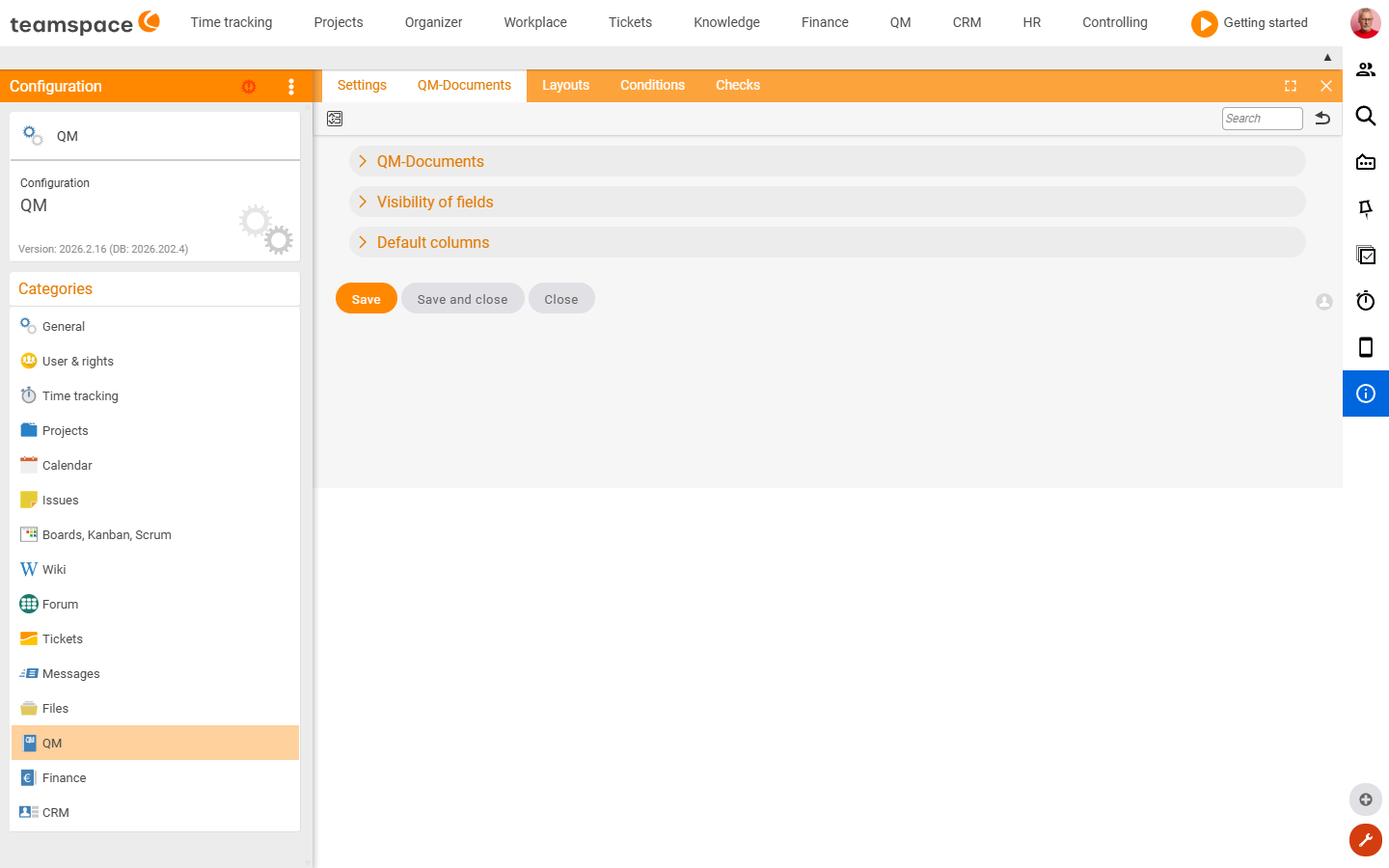
The QM area controls the QM documents, their numbering, the review workflow and the visible fields. You’ll find a specific field fastest via the Configuration search (filter “QM”). How to use it is covered in the Quality management topic.
How to reach this area: Home page → System configuration → category QM.
ℹ The category has 5 tiles. Fully documented here is the settings tile; the rest are admin lists.
The “Settings” tile
| Section | What it covers |
|---|---|
| QM documents | Document-number assignment, number editable, short description mandatory, the naming scheme for the PDFs, mandatory comment when returning a document to draft. |
| Default review | Preset review type (Review/Correct/Send), reviewer and review instruction. |
| Field visibility | Visibility of implementation status, rejection reason, traffic light, categories, group, keyword, published, probability … |
| Key figures | Visibility of value, costs, savings, effort, duration, planned start/end. |
Further tiles (admin lists)
- QM documents – list/management of the QM documents.
- Layouts · Conditions · Reviews – templates, conditions and review definitions.
Related topics
- Configuration search (finder across all areas) Configuration search
- Topic: Quality management Quality management