


A letter is a document type of its own – a piece of correspondence on business stationery, without an invoice or a quote behind it: a cover letter, an accompanying letter, a formal communication. The letter runs in the same Document overview as quotes and invoices, but it has its own PDF layout without a line-item block. It makes sense when you want a piece of correspondence archived centrally – findable, with a contact link and the same permission rules as other documents.
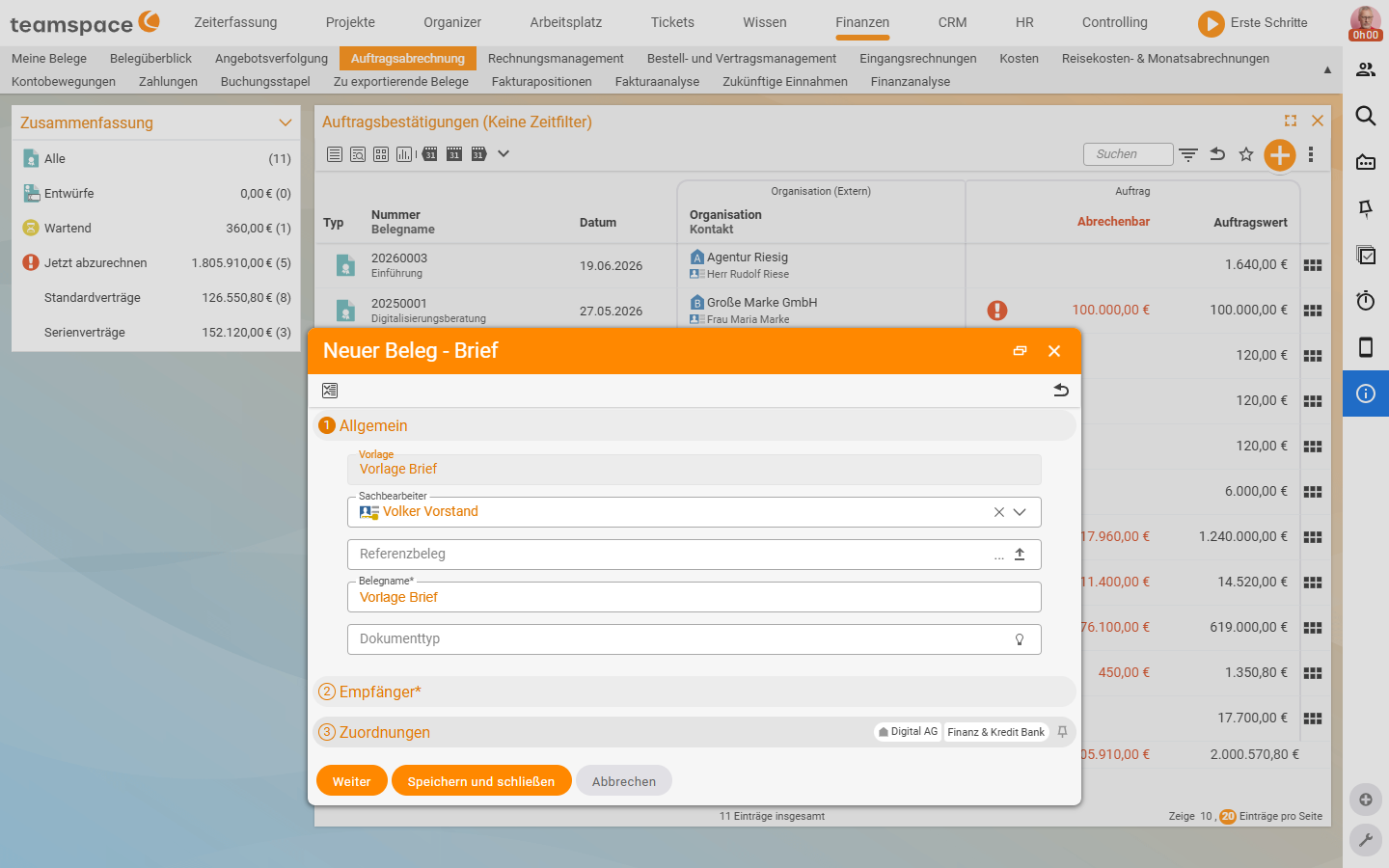
Create a letter
From the Document overview via + → New document → type Letter. In the creation dialogue you choose:
Template– a letter template (layout and standard text are held there in advance).Short info– the internal display name.Contact– the recipient from the CRM.Agent– the sender.
After Save and close you land in the detail manager with the Draft status.
Maintain the letter text and send it
Unlike quotes, a letter does not carry a line-item block but free letter text – maintained in the detail manager (via the Document data or a letter-text section). Placeholders for the salutation, date and agent are filled in automatically by the system when the PDF is generated. In the Preview tab you see the finished PDF. Once you validate the letter via the action in the Actions, it is given a document number and can be sent via Send by email or printed.
Permissions and filing
A letter has the same detail-manager tabs as other documents – only without the line-item and billing tabs: Master data, Document data, Preview, Files, Alerts, Permissions, History. The permission mechanics are the same as in Understanding documents: status & document rights. Via the Document overview you filter specifically for letters.