



In Invoicing you write quotes, turn them into orders and issue invoices – all from a single system. The order gathers what is billed, when and how; teamspace records incoming payments, switches reminder levels at the press of a button and, for ongoing contracts, automatically writes an invoice every month. Alongside this, the incoming documents – purchase orders, expenses, incoming letters – sit in the same module, so that accounting and sales work from the same data.
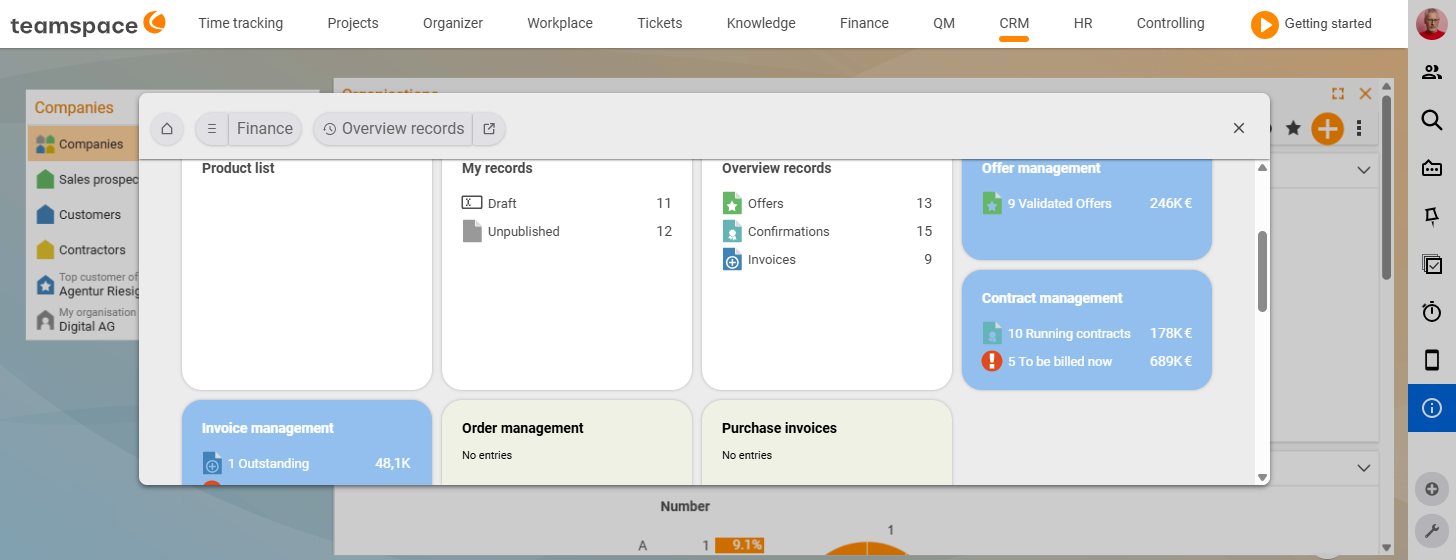
Quote, order, invoice – the three-stage mechanism
The textbook flow runs in three stages:
- A quote describes a service.
- The order turns it into an agreement with billing rules.
- The invoice produces the PDF with the document number.
The order is taken straight from the quote, and the invoice falls out of the order with the billable line items. But you are not tied to this order: if the customer buys without a quote, you create the order directly. If it is a one-off invoice with no contract and no project, you write it freehand – quote and order stay out of the picture.
The order is the hub of billing. It knows what may be billed and when, gathers times and costs from the linked project and produces the invoice at the end. How the three documents come about is explained in Create and follow up quotes, Create and bill orders and Issue invoices and record payments. How order and project work together is covered in How projects and orders work together.
The six billing methods
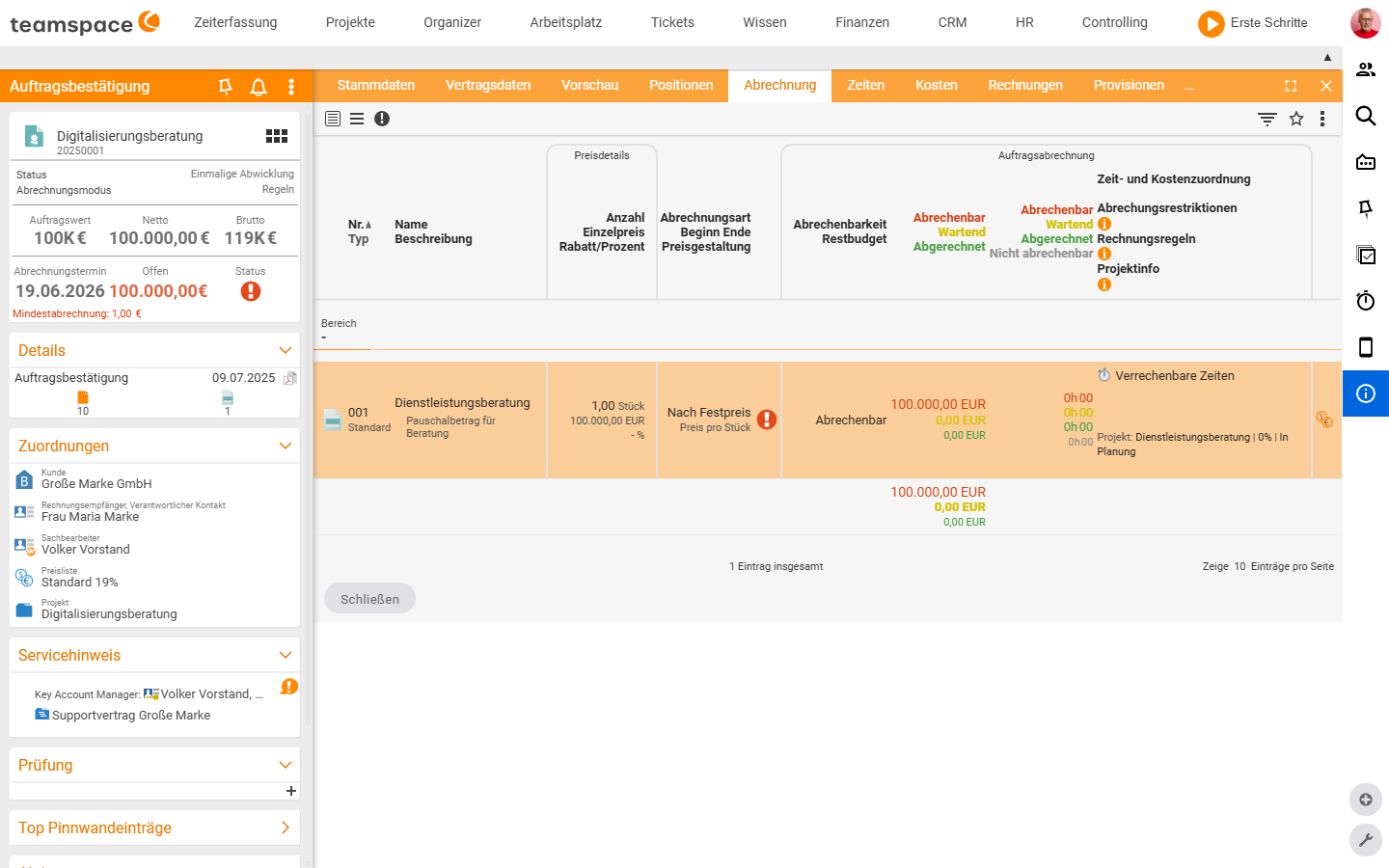
Every line item in the order carries a billing method. It tells the system how the line item becomes a row in the invoice.
- Fixed price – an agreed amount, independent of effort. Unit price times quantity.
- By effort – time bookings drive the price. teamspace gathers the booked times and applies them to the line item.
- By time duration – a recurring price per cycle (maintenance €150 per month, licence €25 per year).
- Percentage – one line item is calculated from another line item, a section or a base value.
- By rules – analyses the billed times and generates additional costs from them (for example a flat-rate expense from five hours on site onwards).
- HOAI – architects’ and engineers’ fees with automatically generated work phases.
Which method suits which contract is shown in The six billing methods.
Status, permissions and approval workflow
Every document has three statuses: Draft (everything editable, no dispatch), Validated (PDF generated, document number assigned, data frozen) and Archived (out of the active list, still visible in reports). From the draft, the PDF is committed via the action Validate quote or Validate invoice (generically “Validate <document type>”, verified live 25 June 2026); to go back to draft, use Activate editing mode – the document number is retained.
Who may see and change which document depends on three levels: base right, project right and document right directly on the document. Documents can be checked before dispatch via an approval workflow. The detailed mechanics are in Understanding documents: status & document rights, the setup in Document templates, approvals & commissions.
Prices, articles and price lists – the master data behind it
A line item always knows its own price, name and discount. So that you do not have to type every line item by hand, the values come from an article and are made concrete via a price list:
- Article – the origin: billing method, default price, tax rate, statistical values (product type, account for financial accounting).
- Price list – selects from the articles and sharpens price, name, description, currency (one list for 2024, one for 2025; one in German, one in English).
If you change the article price, no old orders change – the line item keeps its historical value. Master data is explained in Articles and price lists; the clean approach for price increases in ongoing contracts is in Adjust prices in ongoing contracts.
E-invoicing and DATEV
Since 1 January 2025, companies in Germany must be able to receive and process e-invoices in the B2B sector. teamspace generates and reads both common formats – ZUGFeRD (PDF with embedded structured data) and XRechnung (pure XML). What you need to set up for this is in Set up and use e-invoicing; the individual data fields are listed in the BT fields reference.
For ongoing accounting there is the DATEV booking data service: it transfers invoices and travel expenses to the DATEV cloud. Activate the function once via the DATEV shop, after which the transfer runs in the background.
Where you start
- Just want to try it out? → Exercise: From quote to invoice.
- Want to understand how billing works? → The six billing methods.
- Ready to get going? → Create and follow up quotes.
Related topics
- Exercise: From quote to invoice Invoicing Exercises
- The six billing methods (with video) Invoicing Concept
- Create and bill orders Invoicing How-to
- Finance – system configuration – all finance settings (documents, articles, DATEV …) System configuration Reference
- Topic: Project management Project management
- Topic: Costs & travel expenses Costs & travel expenses
- Invoicing software & billing